Themes, layouts and views
Switch layouts any time in Settings without re-pairing your devices. Click any screenshot to open a larger view.
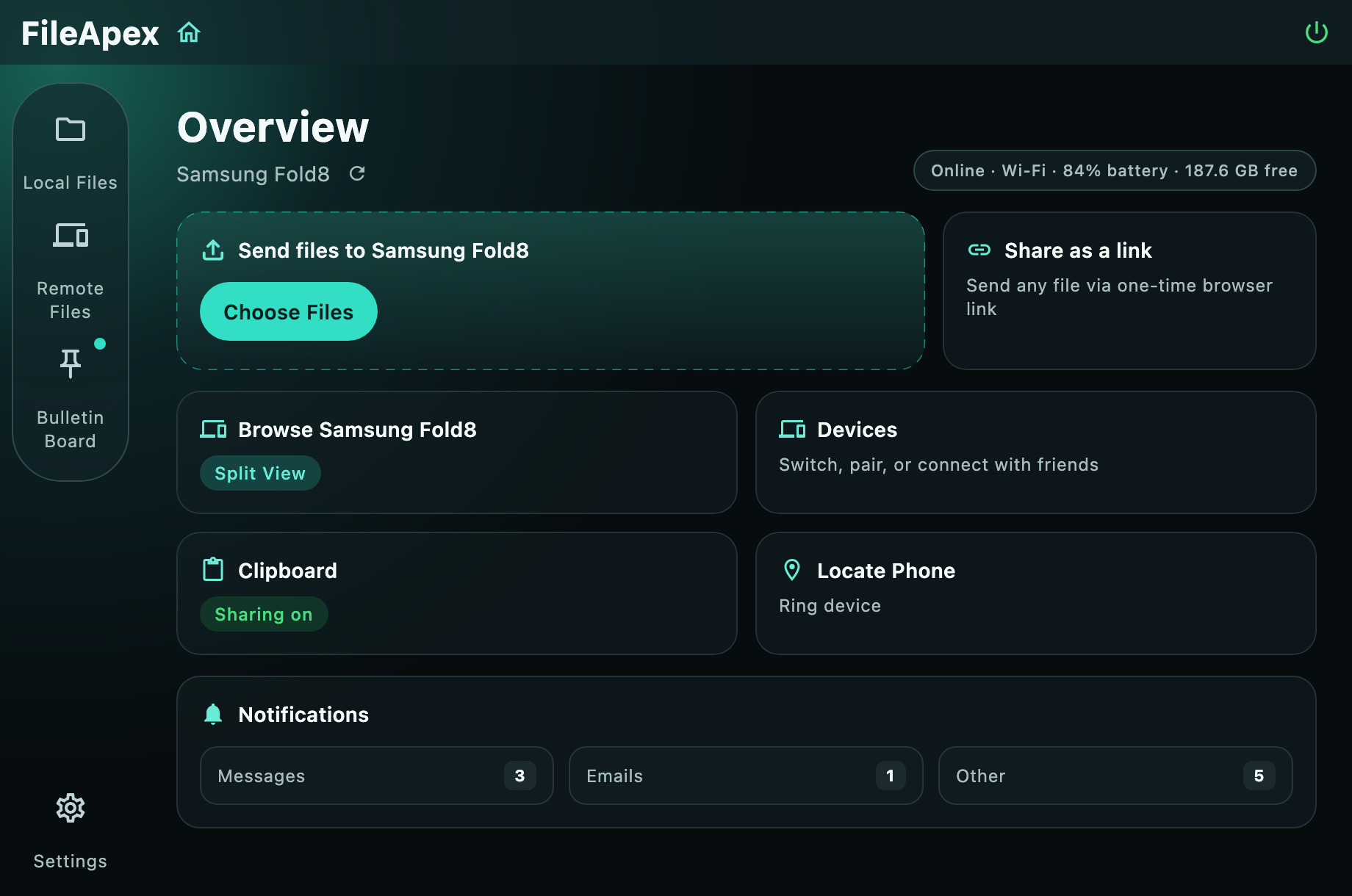
Simple overview
The default layout for one phone and one computer: send files, share as a link, open split view, toggle clipboard sharing, ring your phone and view grouped notifications.
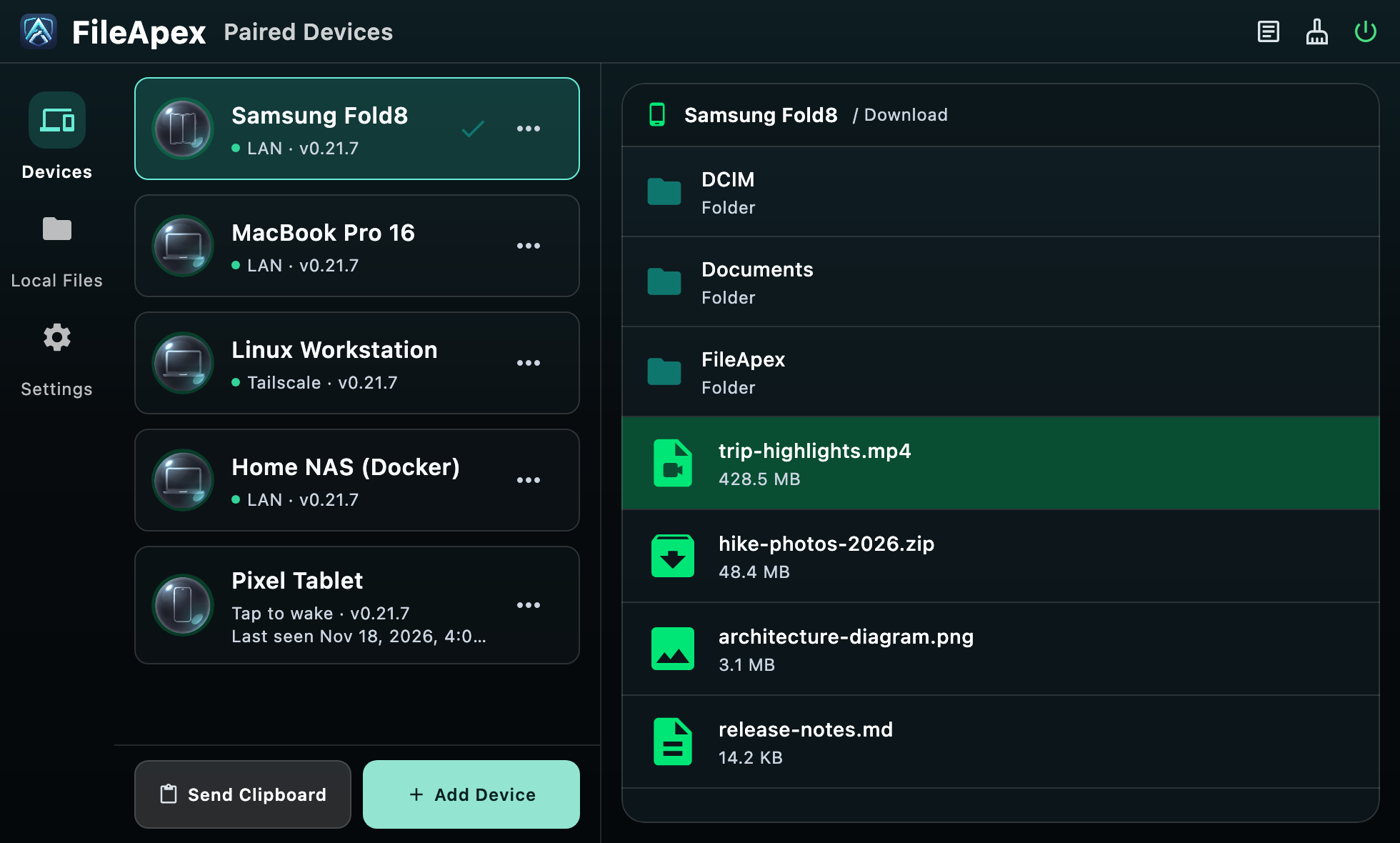
Flux Glass
Two-pane desktop workspace showing all paired devices over LAN, Tailscale or Docker alongside a live remote folder browser.
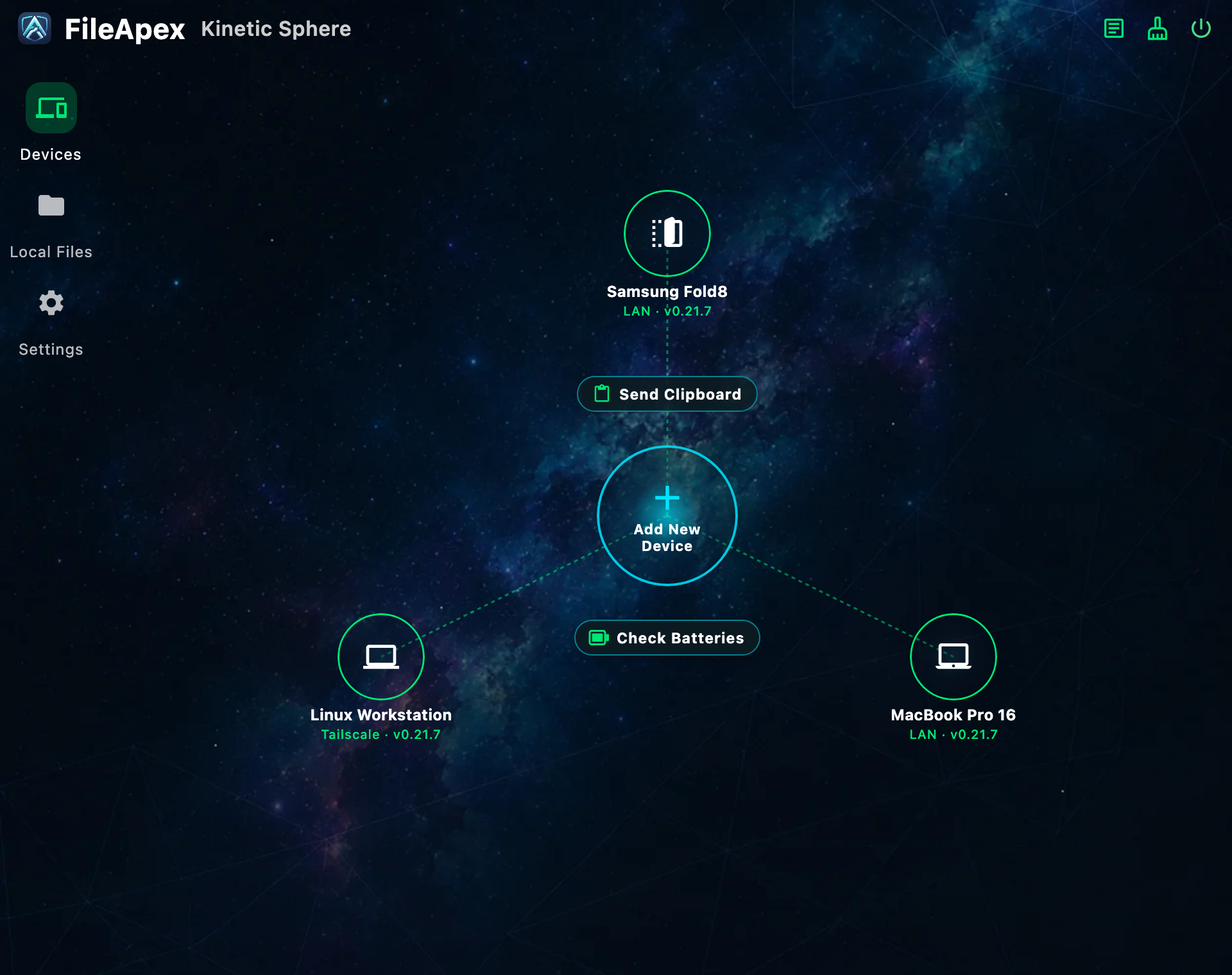
Kinetic Sphere
An orbital map of your connected devices with quick controls to send your clipboard, add a device or check every battery at once.
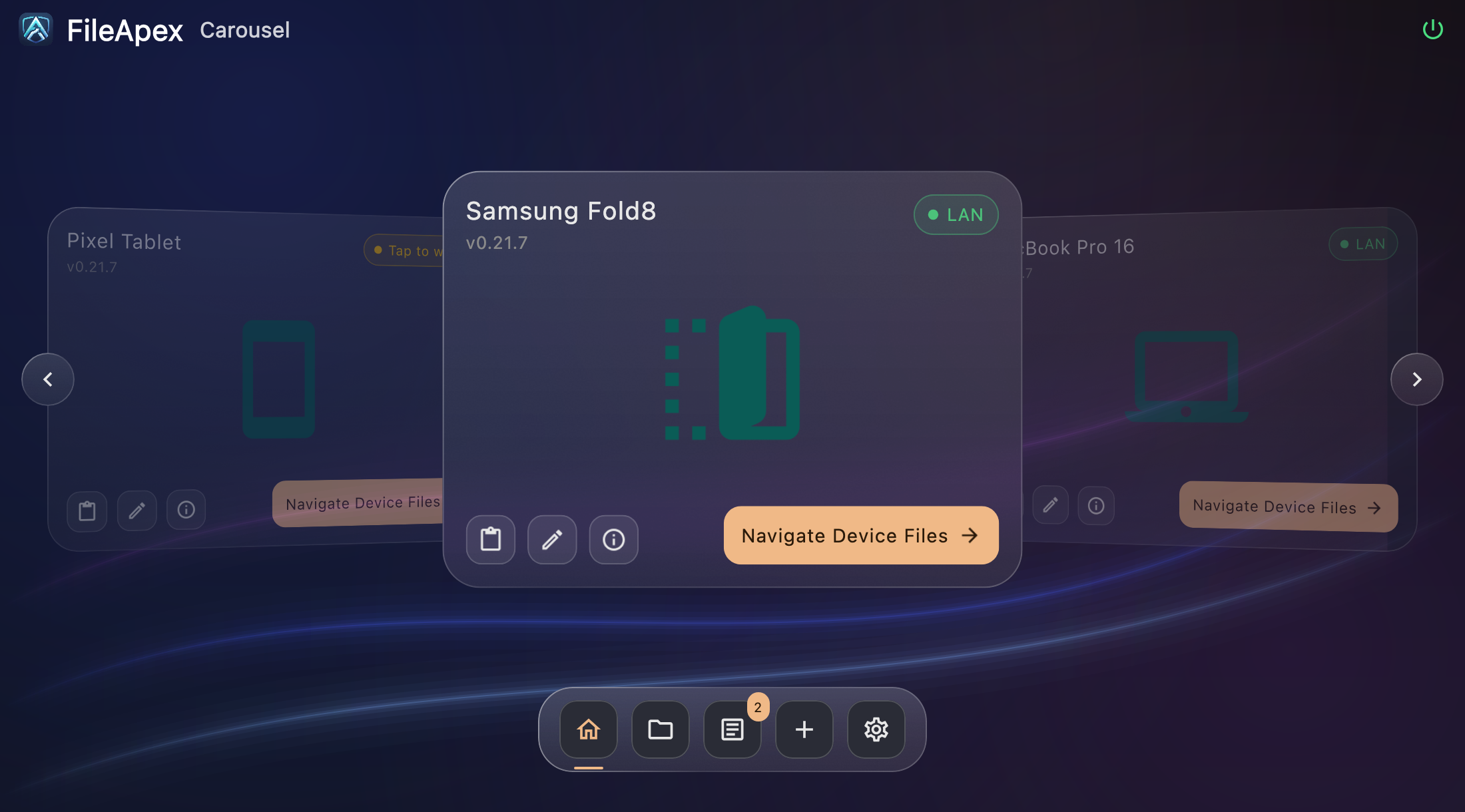
Carousel
Swipe or step through device cards with status badges, clipboard shortcuts and a compact bottom dock.
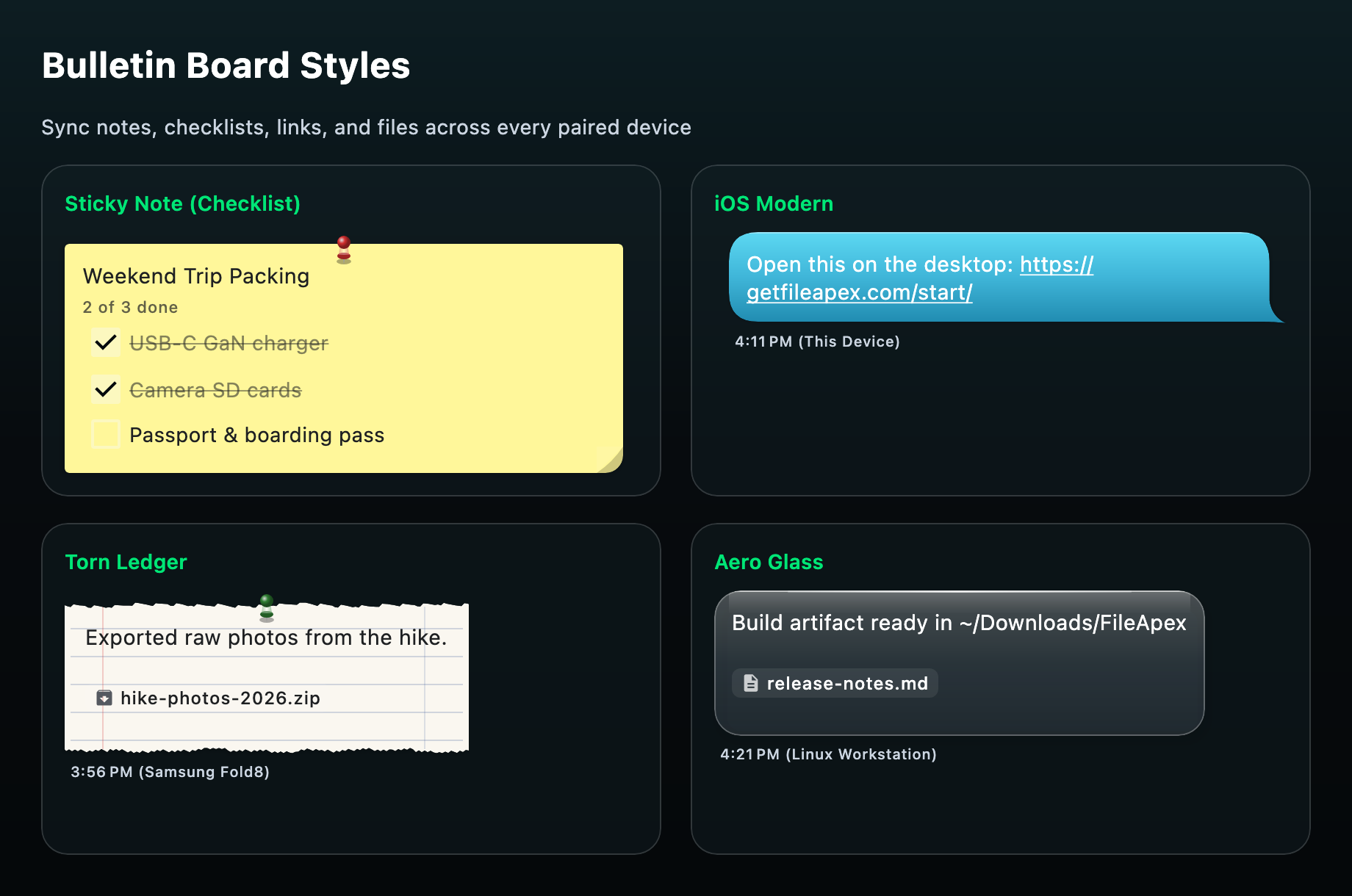
Bulletin Board styles
Pick how shared notes, checklists, links and file attachments look across your devices: Sticky Note, iOS Modern, Torn Ledger or Aero Glass.
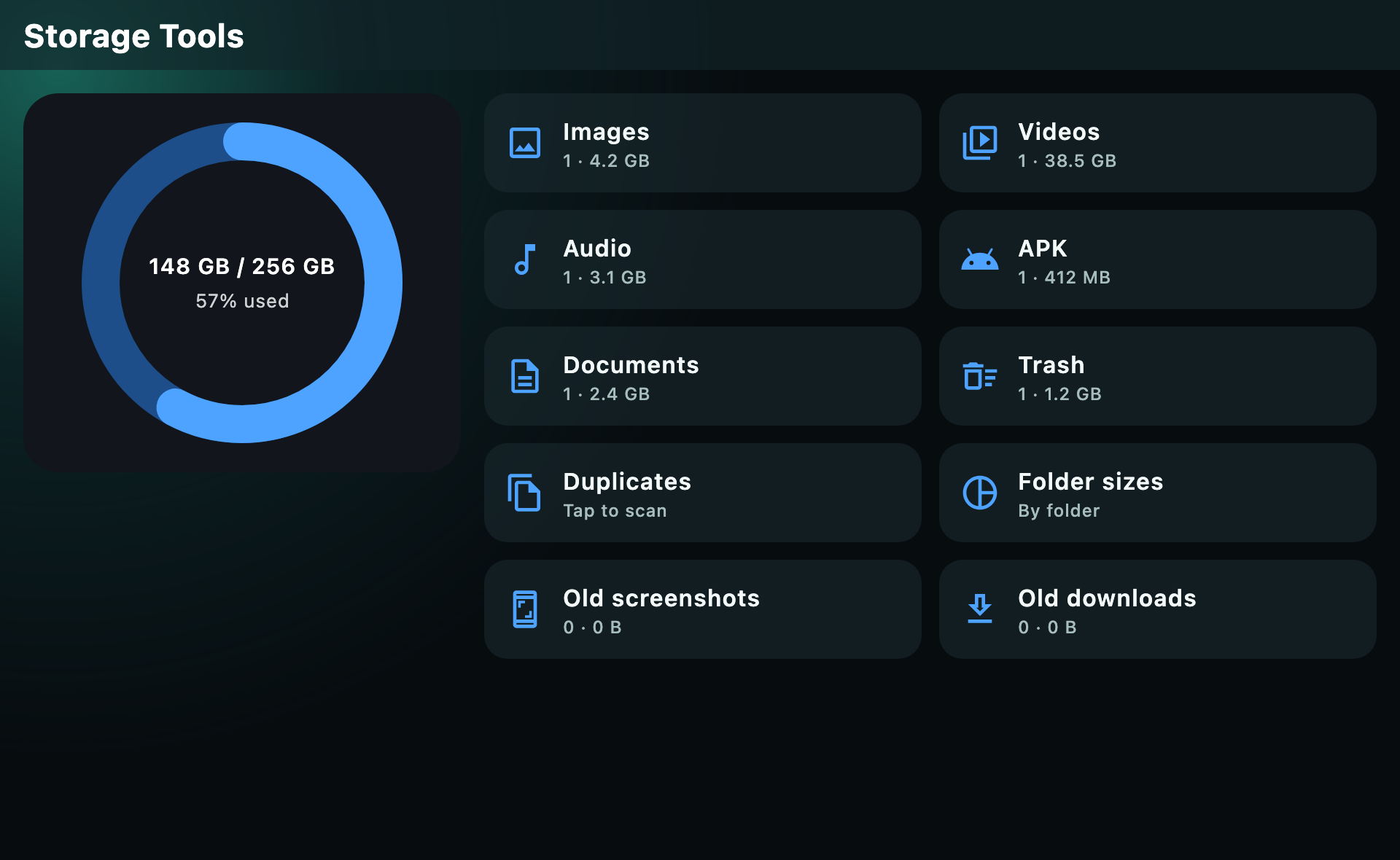
Storage Tools
See what takes space by category, scan for duplicates, inspect folder sizes and clean up old screenshots or downloads.
On Android
The same layouts on your phone. Click any screenshot to open a larger view.
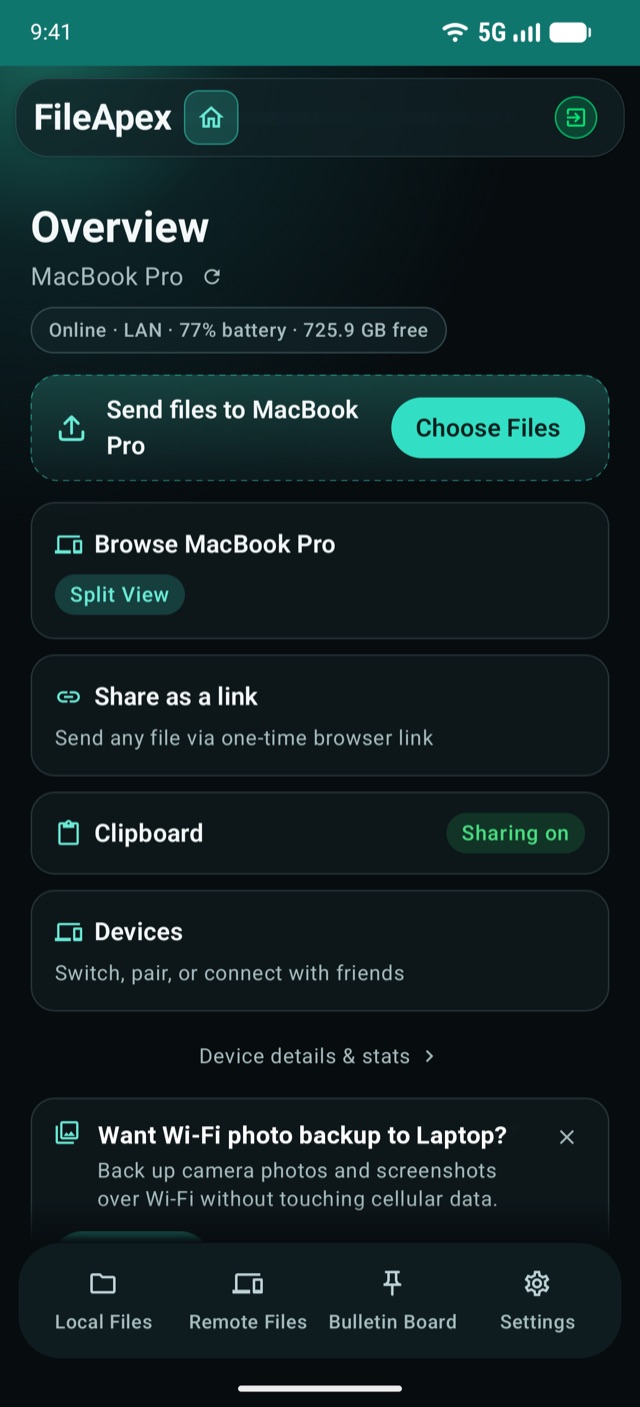
Overview
Send files, browse, share as a link and toggle the clipboard for the paired computer.
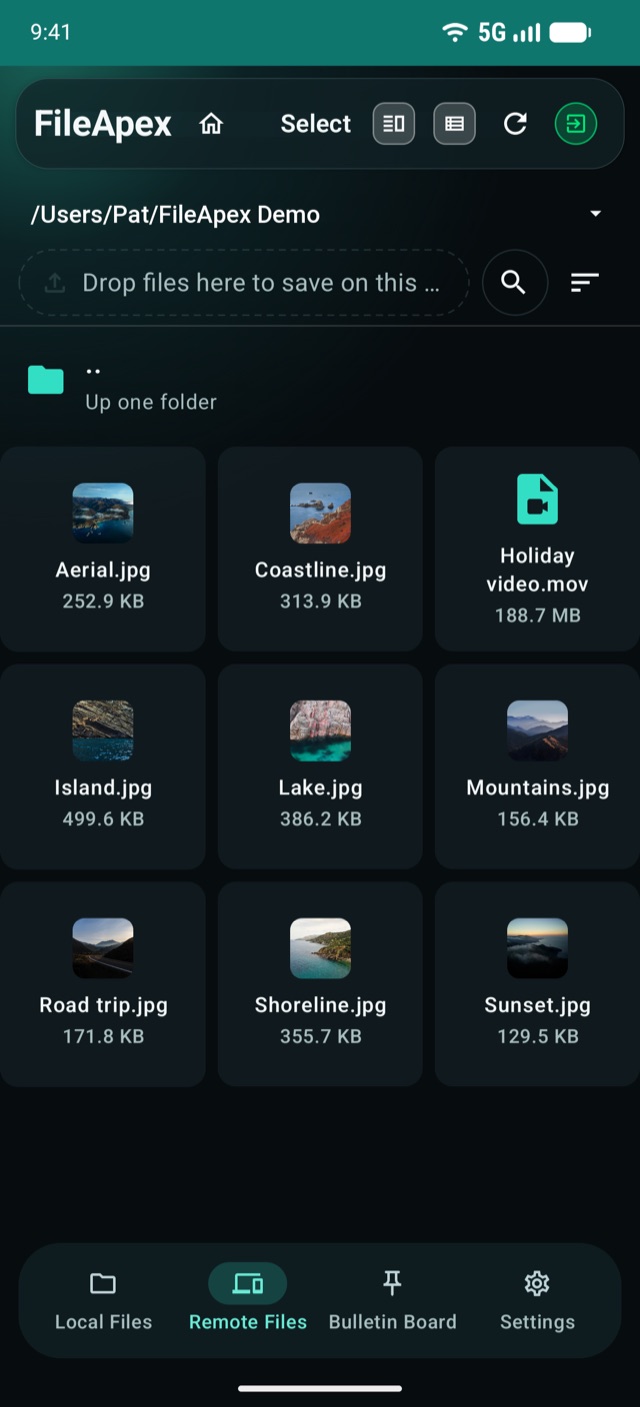
Browse your computer
Open a folder on your Mac, Windows or Linux computer from your phone and preview images before you copy them.
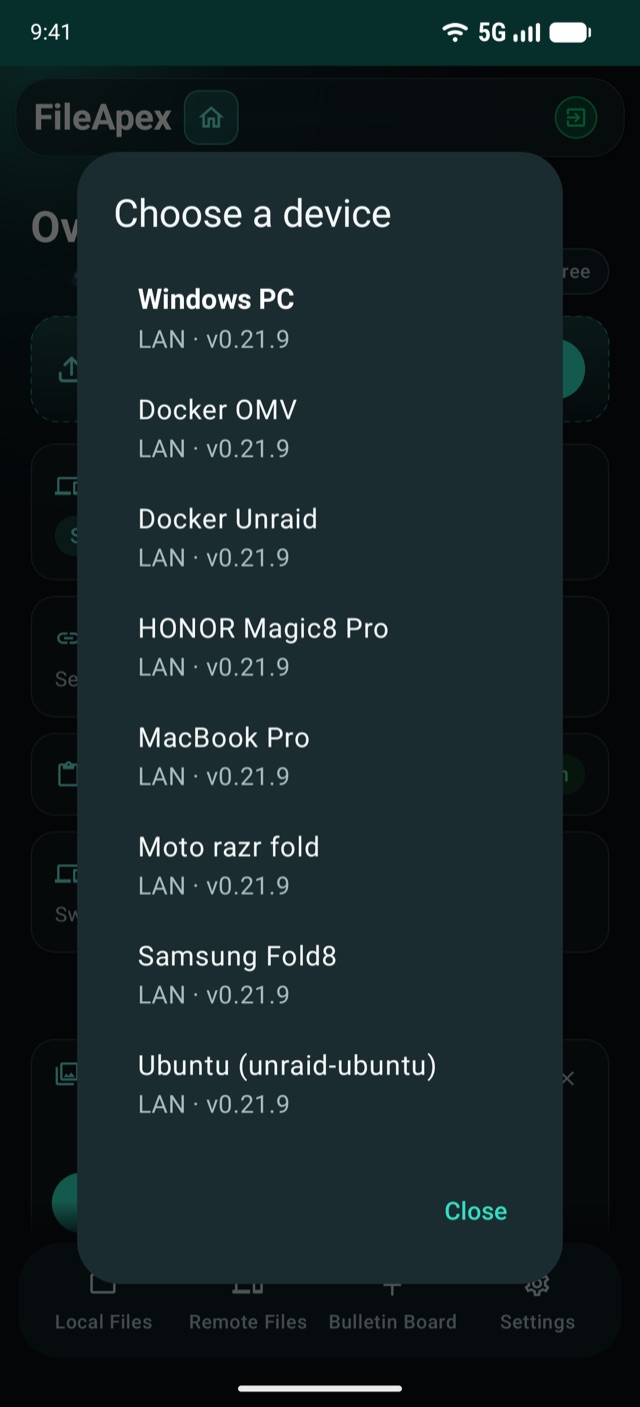
Choose a device
Switch between every paired phone, computer and Docker node from one list.
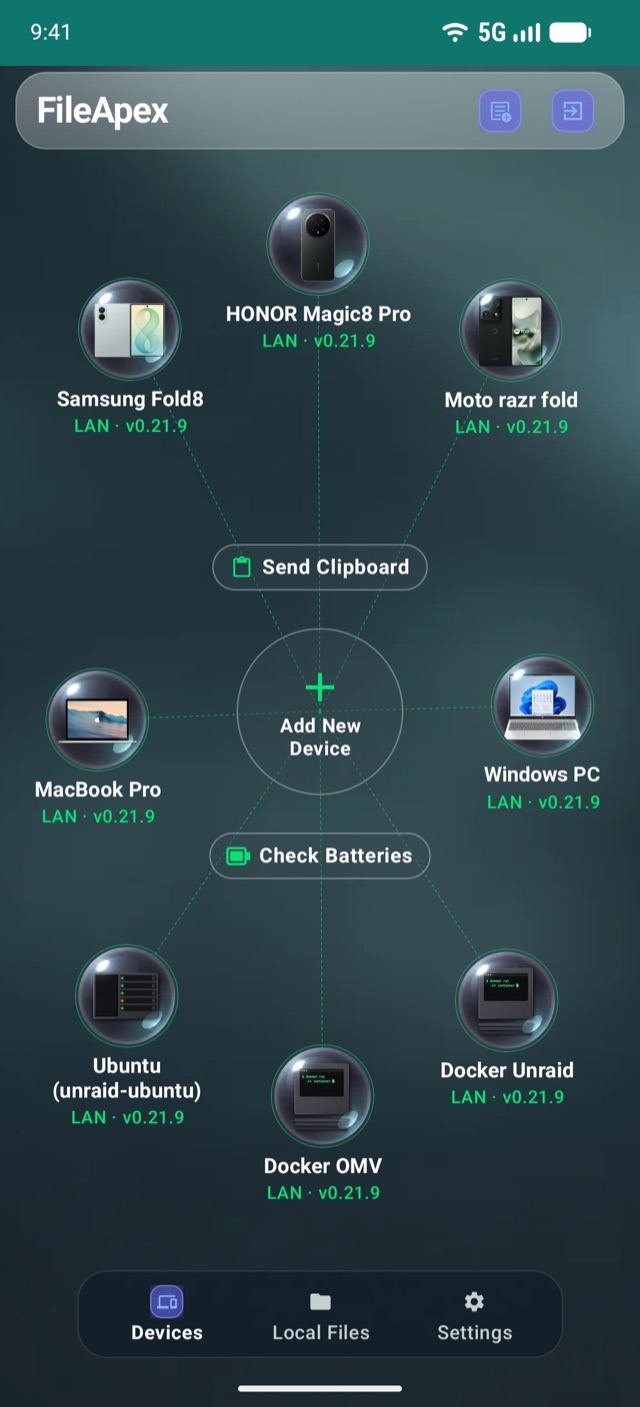
Device map
See every paired device at a glance in the Kinetic Sphere layout, with quick buttons for clipboard and batteries.